Équiper un étudiant en septembre, c'est arbitrer entre quatre achats qui se disputent la même enveloppe : l'ordinateur, l'écran, l'audio et, éventuellement, la tablette. La tentation est de tout prendre en entrée de gamme pour tenir le budget, ou au contraire de mettre le paquet sur la machine et de bâcler le reste. Les deux erreurs coûtent cher, mais pas au même moment. Ce guide passe les quatre postes en revue, avec pour chacun le seuil en dessous duquel on regrette, et celui au-delà duquel on paie du confort qui ne servira pas.
Les prix cités ont été relevés le 4 septembre 2026 dans le catalogue vérifié de Picksly. Ils bougent — souvent de plusieurs dizaines d'euros en quelques jours — donc vérifiez toujours avant d'acheter ; ils servent ici à situer un ordre de grandeur, pas à promettre un tarif.
Comment nous avons choisi
Nous ne testons pas les produits nous-mêmes et nous ne prétendons pas le contraire. Ce que nous savons faire, c'est croiser un besoin avec un catalogue de fiches marchandes vérifiées, et raisonner par profil d'achat plutôt que par classement absolu :
- Budget — le juste nécessaire, quitte à passer par le reconditionné.
- Smart — le meilleur rapport qualité/prix, celui qui tient trois à quatre ans sans frustration.
- Premium — la meilleure qualité, quand l'usage la justifie vraiment.
Pour un étudiant, le profil Smart est presque toujours le bon repère, avec une exception que nous détaillons plus bas : l'écran, où le profil Budget suffit largement.
Le PC portable : le poste qui décide de tout le reste
C'est là que part l'essentiel du budget, et c'est là que les erreurs se paient sur quatre ans. Trois repères simples avant de regarder un prix.
Huit gigaoctets de mémoire vive sont un plancher, pas un objectif. En dessous, le navigateur avec vingt onglets et un traitement de texte suffisent à faire ramer la machine dès la deuxième année. Le stockage doit être un SSD, jamais un disque mécanique : c'est ce qui fait la différence entre une machine qui démarre en dix secondes et une qui en met quarante. Enfin, la carte graphique dédiée ne sert à rien pour des cours, des documents et de la visioconférence — elle alourdit la machine, vide la batterie et ajoute plusieurs centaines d'euros.
Trois options qui illustrent les trois profils :
- Budget — un Lenovo Chromebook S330 14" autour de 269 €. ChromeOS suffit si le travail se fait dans le navigateur et sur une suite bureautique en ligne ; il ne suffit pas s'il faut un logiciel Windows imposé par la formation. À vérifier avant de commander, c'est le seul vrai piège de cette catégorie.
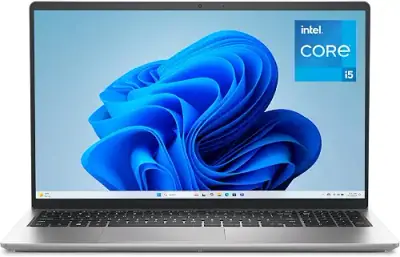
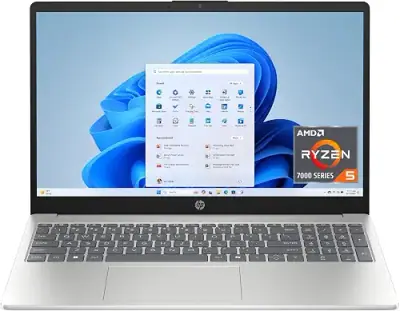
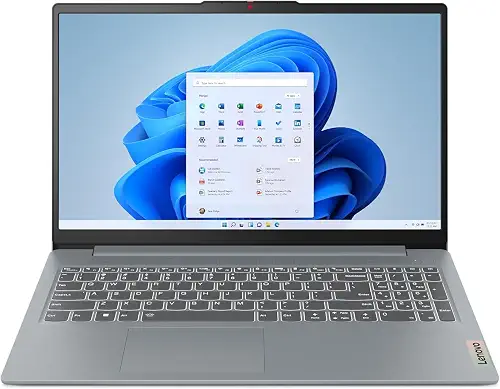
- Smart — un Lenovo IdeaPad 1 autour de 497 €, ou un ASUS VivoBook 15 autour de 665 € pour un écran Full HD 15,6" plus confortable sur de longues journées.
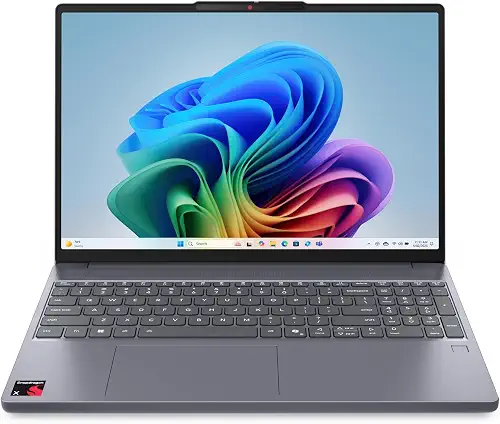
- Premium — au-delà de 1 000 €, on paie surtout de l'autonomie, un châssis qui ne plie pas et un écran nettement meilleur. Cela se défend pour un cursus créatif ou technique ; beaucoup moins pour du droit, de l'économie ou de la médecine.
➜ Voir le Top 10 des PC portables — et notre guide détaillé du meilleur PC portable en 2026 si vous voulez creuser les configurations.
L'écran d'appoint : le meilleur euro dépensé de la liste
C'est l'achat le plus sous-estimé et, à budget égal, celui qui change le plus le quotidien. Travailler sur un 13 ou 14 pouces avec un document d'un côté et un cours de l'autre relève de l'exploit ; un second écran supprime le problème d'un coup.
Bonne nouvelle : c'est le poste où le profil Budget suffit vraiment. Un 27 pouces Full HD à moins de 120 € fait le travail pour de la bureautique et de la lecture. Les caractéristiques mises en avant sur les fiches — 144 Hz, dalle incurvée, temps de réponse d'une milliseconde — concernent le jeu, pas la rédaction d'un mémoire.
- Budget — un KOORUI 27" incurvé autour de 109 € couvre le besoin sans discussion.
- Smart — un écran portable 15,6" autour de 63 € est l'alternative pour qui change souvent de lieu : il se branche en USB-C et se glisse dans le sac avec l'ordinateur.
- Premium — un iiyama 31,5" en 2560 × 1440 autour de 354 € n'a de sens que si l'écran sert aussi à autre chose que les cours.
Le vrai point de vigilance n'est pas la dalle mais la connectique : vérifiez que votre ordinateur et l'écran partagent une prise commune (HDMI, DisplayPort ou USB-C), sous peine d'ajouter un adaptateur et sa part d'ennuis. Notre guide du meilleur écran PC en 2026 détaille les cas particuliers.
Le casque ou les écouteurs : pour réviser, pas pour impressionner
Un amphi bruyant, une colocation, une bibliothèque bondée : l'isolation vaut plus que la qualité sonore pure. Et sur ce poste précis, l'écart entre 30 € et 250 € porte davantage sur le confort de port et la réduction de bruit active que sur la restitution.
- Budget — des Soundcore P31i autour de 31 € pour un premier achat sans regret.
- Smart — des CMF Buds Pro 2 autour de 51 €, ou des Soundcore Liberty 4 NC autour de 55 € — c'est la zone où la réduction de bruit active devient réellement efficace.
- Premium — un casque à arceau comme le Sony WH-CH720N autour de 77 € reste plus confortable que des intras sur des sessions de plusieurs heures, et sa batterie tient la journée entière.
Le format compte autant que le prix : les intras se perdent et fatiguent l'oreille au bout de deux heures, l'arceau tient mieux la distance mais s'emporte moins facilement. Notre comparatif des meilleurs écouteurs sans fil détaille les compromis.
La tablette : utile, mais rarement en premier
C'est l'achat qu'on regrette le plus souvent, parce qu'il se décide sur une envie et pas sur un usage. Une tablette a un vrai intérêt pour annoter des PDF et prendre des notes manuscrites — en médecine, en droit, en architecture, elle remplace des kilos de polycopiés. Pour tout le reste, elle double l'ordinateur sans rien apporter.
- Budget — une TECLAST P33 10 pouces autour de 89 € suffit pour lire et annoter.
- Smart — un iPad 9ᵉ génération 64 Go autour de 241 € reste la valeur sûre si l'écriture au stylet est centrale.
- Premium — une Samsung Galaxy Tab S9 FE autour de 455 € se justifie surtout par son stylet fourni et son écran plus grand.
Si le budget est serré, c'est le poste à sacrifier en premier. Il se rattrape à Noël ou en janvier, quand les prix redescendent.
Le budget total, selon le profil
- Budget, environ 400 à 450 € : Chromebook, écran d'occasion ou d'entrée de gamme, écouteurs à 30 €, pas de tablette.
- Smart, environ 650 à 750 € : ordinateur autour de 500 €, écran 27 pouces à 110 €, écouteurs à réduction de bruit à 55 €. C'est la combinaison qui tient le plus longtemps sans compromis gênant.
- Premium, au-delà de 1 200 € : à réserver aux cursus qui l'exigent réellement — montage, 3D, développement lourd.
Un dernier levier, souvent le plus rentable de tous : le reconditionné. Sur un ordinateur portable de deux ans, l'économie atteint fréquemment 30 à 40 % pour un usage identique, avec une garantie. Notre guide reconditionné ou neuf explique comment lire une annonce et repérer les grades qui posent problème.
Comment payer moins cher, sans y passer les week-ends
Les prix de la rentrée bougent tous les jours, et les « promotions » de septembre sont souvent des retours au prix normal après une hausse discrète en août. Comparer sérieusement suppose de suivre un produit dans le temps, pas de regarder un prix barré.
Installez l'extension Picksly : elle reconnaît le produit affiché, cherche des alternatives vérifiées adaptées à votre profil — Budget, Smart ou Premium — et vous dit quand la fiche que vous regardez n'est pas la meilleure option pour vous.
FAQ
Quel budget prévoir pour équiper un étudiant en 2026 ?
Autour de 400 € pour un équipement fonctionnel (ordinateur d'entrée de gamme, écran, écouteurs), et 650 à 750 € pour une configuration qui tiendra sans frustration jusqu'à la fin du cursus. Au-delà de 1 200 €, la dépense ne se justifie que pour des formations aux besoins techniques réels.
Un Chromebook suffit-il pour des études ?
Oui si tout le travail se fait dans un navigateur et une suite bureautique en ligne, non si la formation impose un logiciel Windows ou macOS précis. C'est la question à poser avant l'achat, car elle ne se rattrape pas ensuite.
Faut-il un second écran ou une tablette en priorité ?
Le second écran, sans hésiter. À budget comparable, il améliore le confort de travail tous les jours, là où la tablette n'apporte quelque chose que dans les cursus où l'annotation manuscrite est centrale.
Le matériel reconditionné est-il un bon plan pour un étudiant ?
Souvent oui, en particulier sur les ordinateurs portables : 30 à 40 % d'économie pour un usage identique, avec une garantie légale de conformité. Vérifiez le grade esthétique, l'état de la batterie annoncé et la durée de garantie offerte par le vendeur.
---